 | Presentation Browser - Applications |


Home Applications Technology Download/Register Web Tools Contact
Overview Demonstrations Printing Documentation
Overview Demonstrations Printing Documentation
|
The Daisy Presentation Browser allows the copying of all or part of a web page as a bitmap for pasting into Word and other documents. The same technique is used as that for printing all or part of a web page. A dialog is called, which is then adjusted until the image you want is shown. 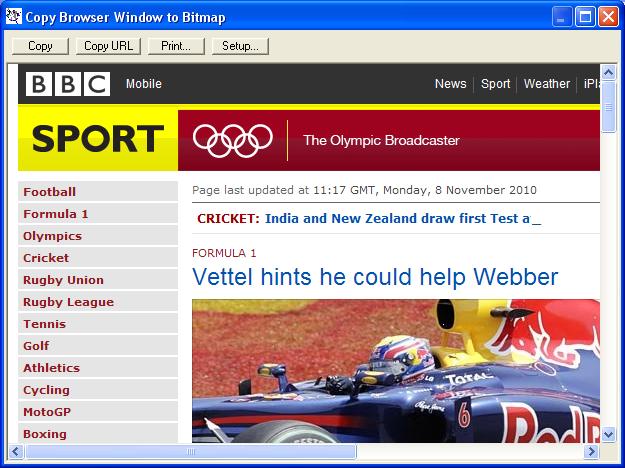 The Copy button is used to copy the image to the clipboard, which is then used to paste it into the required document. The image below was created by copying part of the page into Paint and saving it. 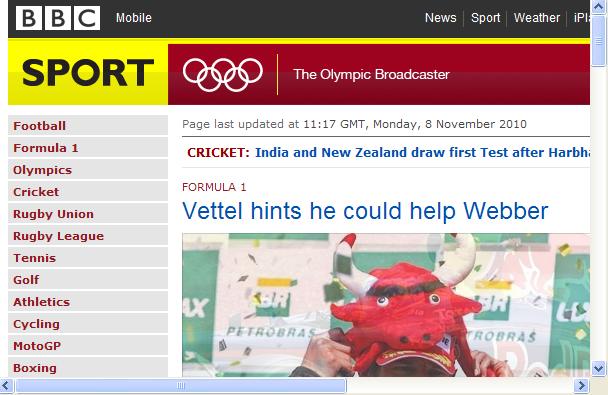 |